Find any tab in a second
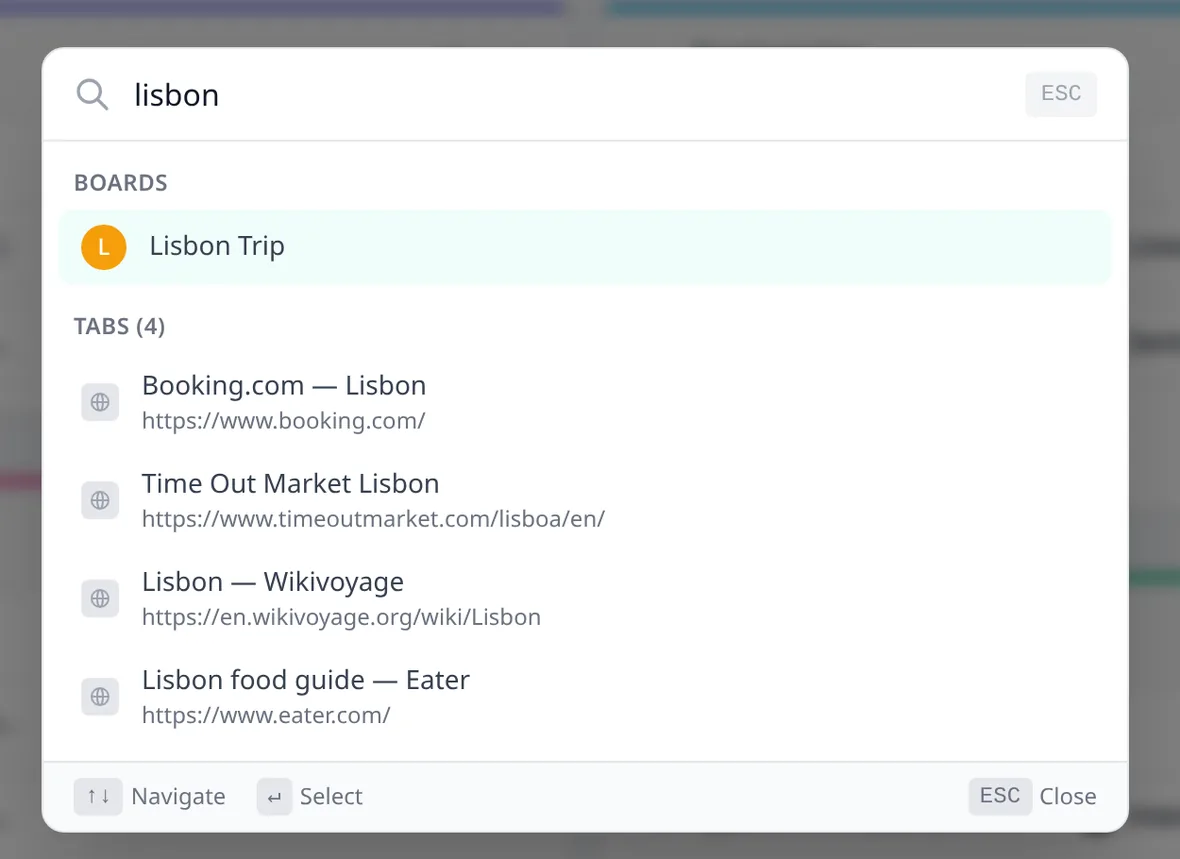
Press Ctrl+K and start typing. Tabner searches titles, links, descriptions and notes across every board you have.
FreeTab manager for Chrome and Firefox
Tabner gives the tabs you keep open just in case a proper home. Save a whole window in one click, close it, and get any page back in a couple of keystrokes.
Free. No account needed. Without one, your tabs never reach our servers.
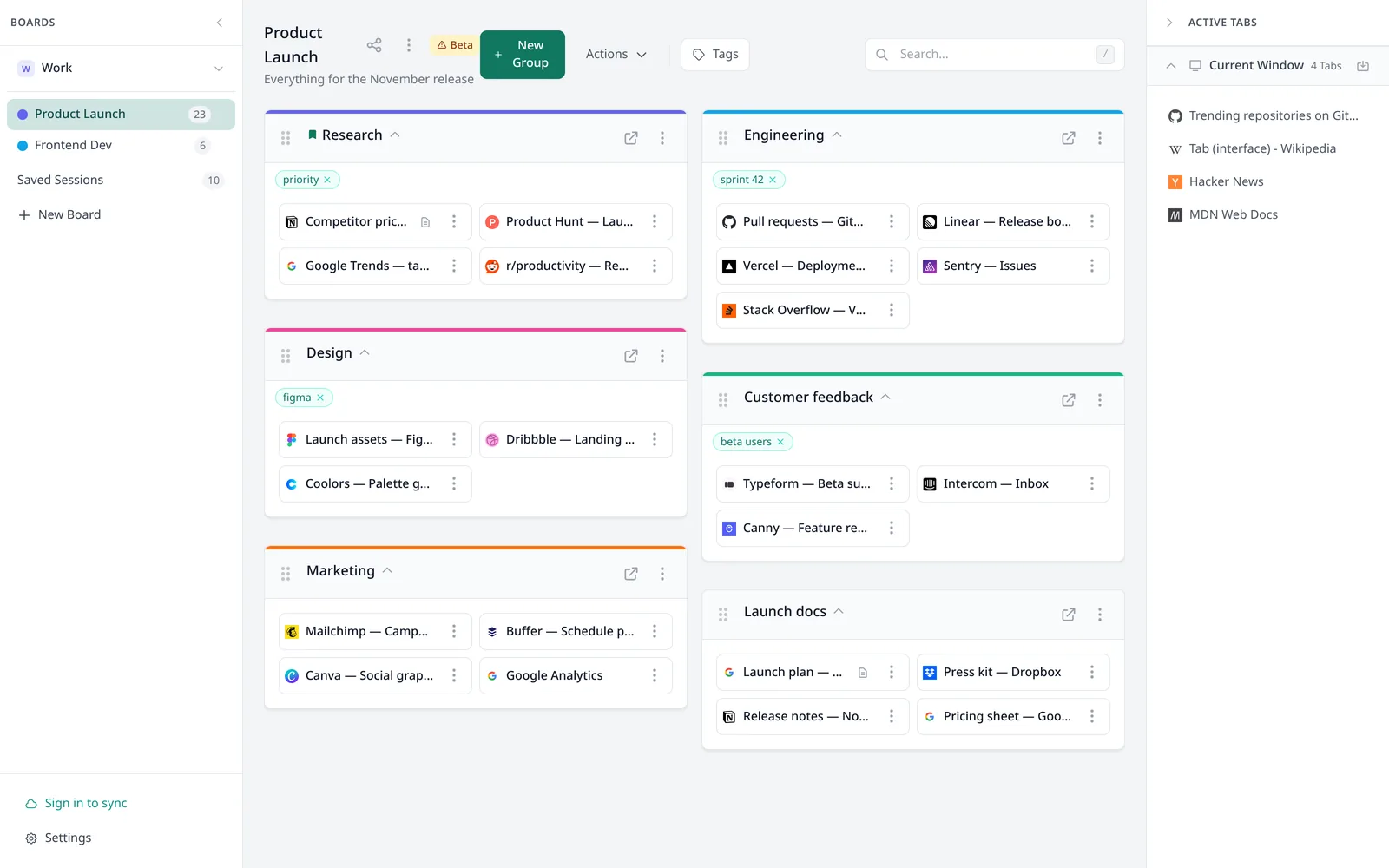
One board per project, trip or rabbit hole. Groups inside, tabs inside those. Drag, colour, pin, done.
Press Ctrl+K and start typing. Tabner searches titles, links, descriptions and notes across every board you have.
Type tb, then a space, then a few letters. Your saved tabs show up as suggestions.
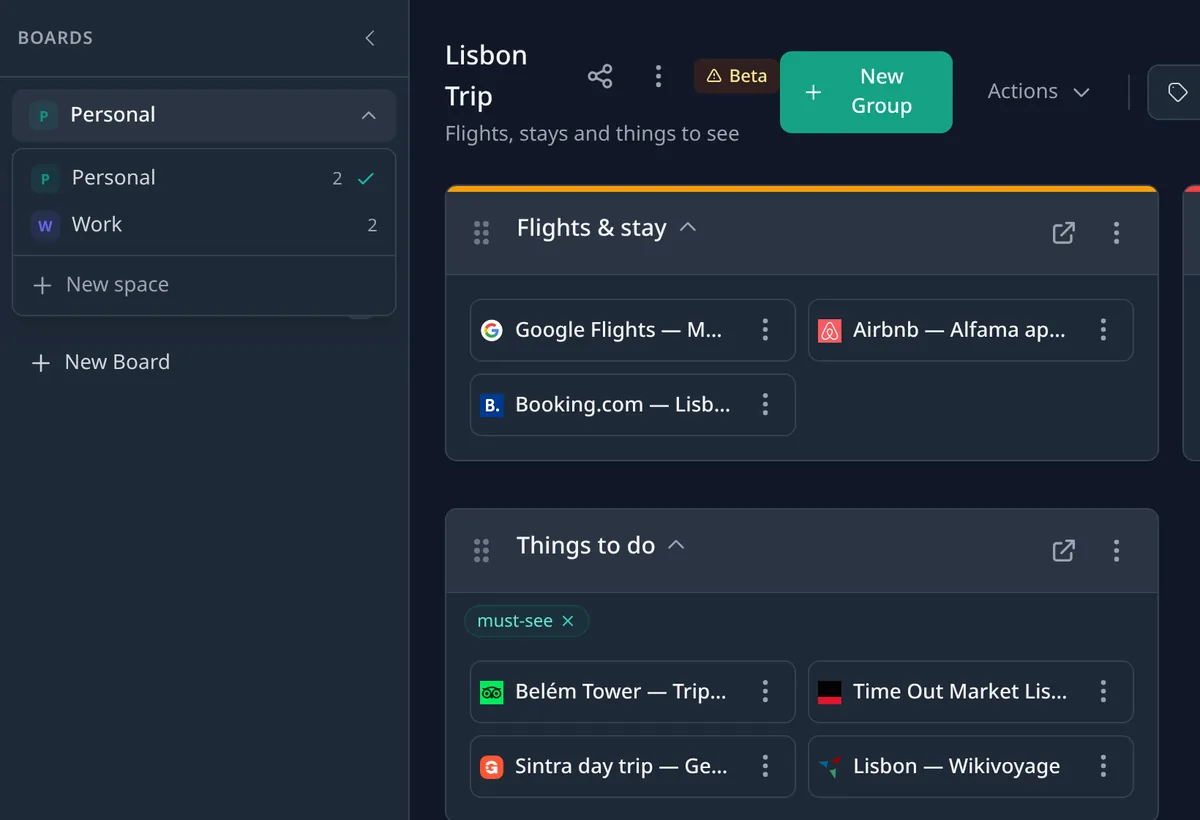
Spaces split your boards into Work, Personal or whatever you need. Switch and only what matters now is on screen. Dark mode is in there too.
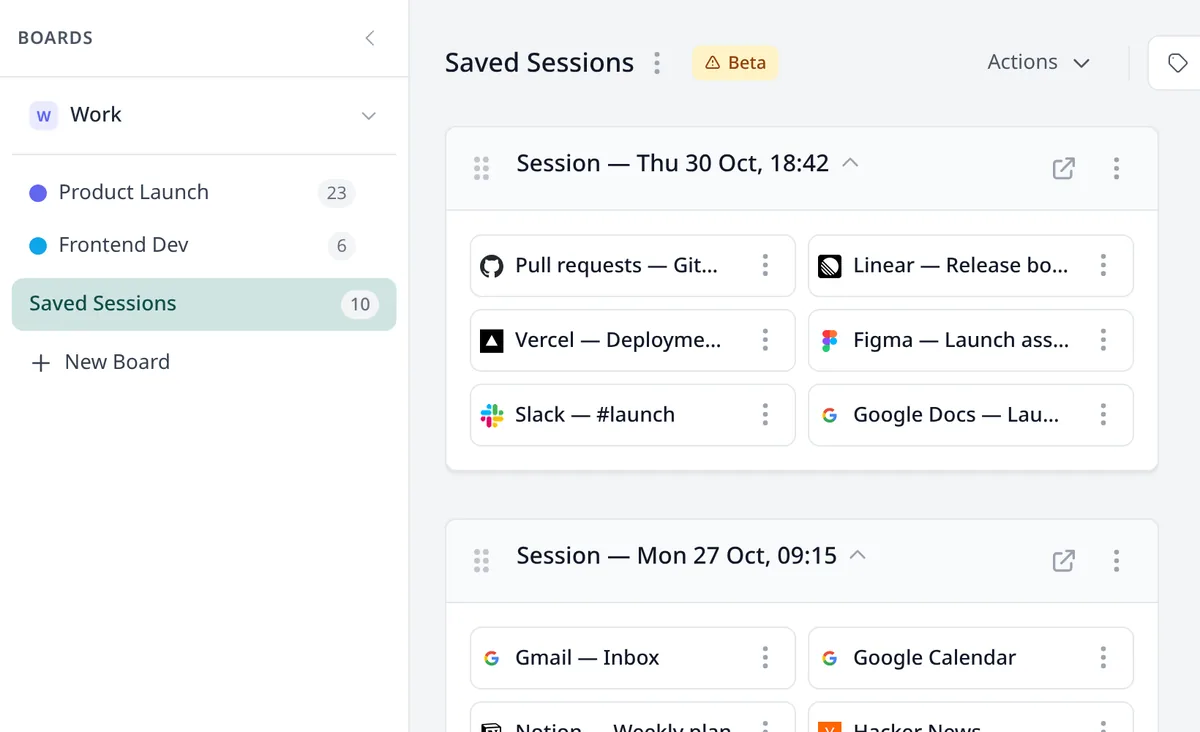
Done for the day? Save the window as a session and close it. One click brings every tab back, and on Chrome your tab groups come back with them.
Give any saved tab a short description, a few tags and longer private notes. All of it is searchable.
Tell Tabner that github.com belongs in Dev, and it puts those tabs there for you.
With the optional account you can invite people as editors or viewers and see changes live, or publish a read-only link. Notes never go public.
Add Tabner to Chrome or Firefox. It becomes your new tab page, so your boards are always one tab away.
Your open tabs sit in a panel on the right. Drag them into groups, or save the entire window at once.
Everything you kept is one search away. Your browser gets lighter, and that article you were saving for later is still there.
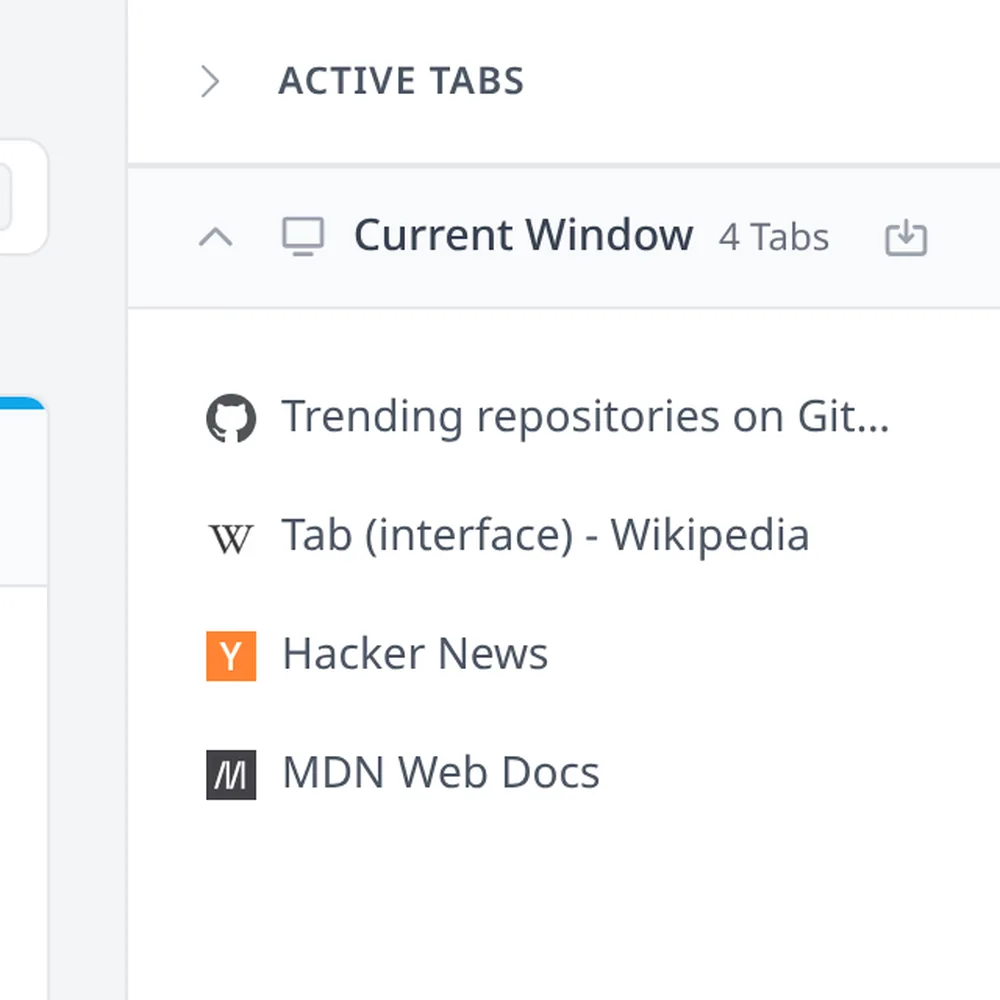
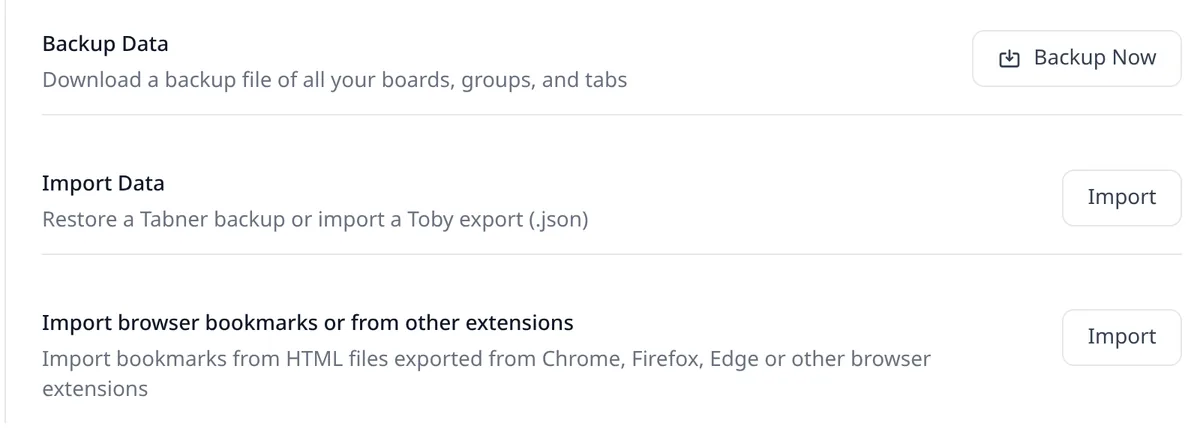
Bring your library with you. Tabner reads Toby's JSON export, including libraries with thousands of tabs, and imports bookmark files from Chrome, Firefox and Edge.
Save All Tabs does the same one-click sweep. The difference is what happens next: your tabs land in a group you can search, tag and sync.
OneTab alternativeWorkona alternativeSession Buddy alternativeTabner works fully offline in your browser. The account is there if you want sync, and it is built to know as little about you as possible.
Without an account, everything lives in your browser's own storage and never reaches our servers. If your browser's sync is on, it copies it to your other devices.
Turn on sync and your boards are stored in the EU, readable only by your account. You sign in with a one-time code by email, so there is no password to leak.
There is no analytics in the extension or on this website. We don't sell data and we don't use it to train AI.
Download a full backup at any time. Ask us and we delete your account and everything in it.
Yes. Tabner is free: boards, groups, sessions, search, import and backups, all without an account.
Chrome and Firefox. Edge, Brave and other Chromium browsers can usually install it from the Chrome Web Store too.
No. You only need one for sync between computers and for sharing boards. Sign-in uses a one-time code sent to your email.
Yes. Export a JSON file from Toby and import it in Settings. Large libraries are supported, and you can also import bookmark files from your browser.
Without sync, your data lives in the browser, so uninstalling removes it. Download a backup from Settings first and you can restore it any time.
Nine: English, Spanish, German, French, Portuguese (Brazil), Italian, Simplified Chinese, Japanese and Korean. It follows your browser's language unless you choose one yourself.
Write to hola@tabner.es. A person reads every message.

Install Tabner, save your first window, and close it. It feels good.